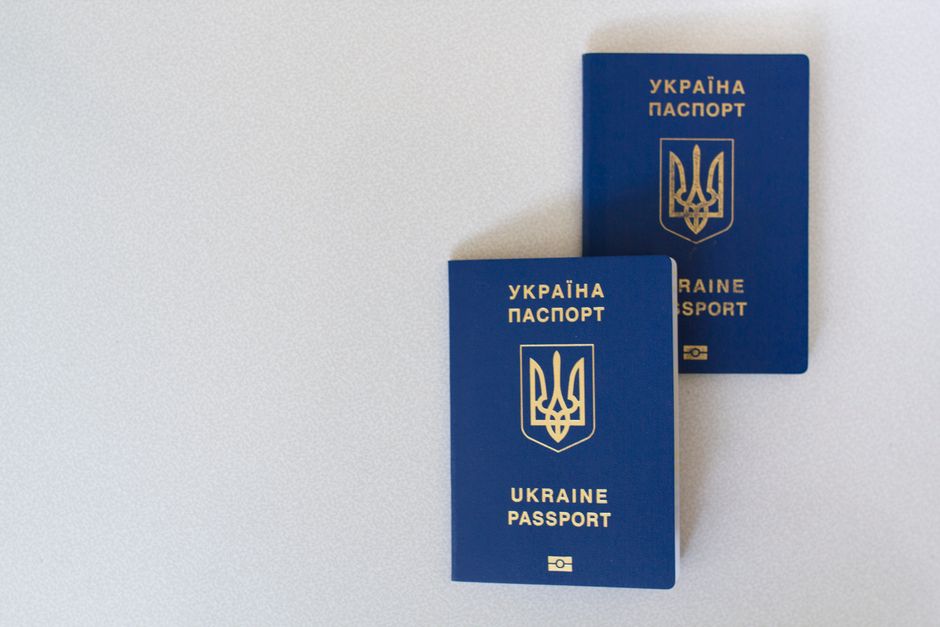
You do not have to print your ESTA to travel, but keeping one copy is smart insurance. Your approval is linked electronically to your passport, and airlines scan that passport at check-in to confirm it. A printout proves nothing the system cannot already see. Still, a paper copy of your approval number saves you when a phone dies, an airline agent asks, or a border officer wants a quick answer.
TL;DR: No rule forces you to print your ESTA. The authorization is tied to your passport and checked automatically before boarding. DHS suggests keeping a copy of the approval as a record of your application number. Carry a printed or screenshot copy for peace of mind — some carriers still ask, and it costs nothing.
| Quick Facts | Detail |
|---|---|
| Printing required? | No — ESTA is linked to your passport electronically |
| Recommended? | Yes, keep one copy of the approval and number |
| Checked by | Airline at check-in, CBP on arrival |
| Validity | 2 years, or until the passport expires |
| Fee | $40.27 ($40 since 30 September 2025, then inflation-adjusted) — confirm on the official site |
| Best backup | Printout + screenshot of the approval screen |
Most first-time travelers ask this after they get the approval email and see no boarding pass, no sticker, nothing physical. That is normal. The ESTA application produces a digital authorization, not a document you must show at the gate.
Do you need to print your ESTA approval?
You do not need to print your ESTA to board a flight or cruise to the United States, because the authorization is stored against your passport in CBP systems. The airline reads your passport chip and data at check-in and confirms an approved ESTA before it prints your boarding pass. A printout is a backup, never the proof itself. Even so, DHS recommends keeping a copy of the approval so your application number is on hand. The fee rose to $40 on 30 September 2025 (now $40.27), so it pays to apply early and save the approval page straight away.
Think of it like an e-ticket. Nobody checks a printed itinerary anymore; the booking lives in the system. Your ESTA works the same way. The paper matters only if something breaks — dead battery, an agent unfamiliar with your country, or a rare manual check.
Here is a typical scenario. A traveler flying from Dublin to Orlando had her ESTA approved but her phone died in the queue. The Aer Lingus desk pulled up her passport, saw the approval, and waved her through. No print needed. But had the system hiccuped, her printed approval number would have settled it in seconds.
How airlines and CBP actually check your ESTA
Airlines verify your ESTA electronically at check-in, and CBP checks it again when you arrive, both using your passport as the key. The moment you present your passport, carrier systems query the Visa Waiver Program database and read back approved or not approved. No paper is exchanged in that process. The check happens in the background, usually in under a second, before the agent hands over a boarding pass. 42 countries take part in the Visa Waiver Program in 2026, and each relies on this same electronic lookup rather than any paper document.
On arrival, the story continues at the booth and increasingly at a camera. Since 26 December 2025, a DHS biometric entry-exit rule lets officers photograph travelers on entry and exit to confirm identity. Your face and passport do the talking, not a printout. For more on the gate-side experience, see our guide to US airport security for international travelers.
Pro tip: Screenshot the approval screen showing your application number and expiry, then also print it. If roaming data fails abroad, an offline screenshot and a paper copy both work when Wi-Fi does not.
When a printed ESTA is genuinely worth having
A printed ESTA earns its place in a handful of situations: a specific airline that requests a printout, a dead or lost phone, travel with children whose details you may need to quote, and manual checks where an agent wants your approval number fast. None of these are common, yet each can stall you at a desk. Carrying one sheet of paper removes the risk entirely for the price of a little ink.

Group and family travel is the clearest example. If you applied for several people, having each approval number printed means you are not scrolling through emails at the counter while a queue builds behind you. Keep them with the passports. A family of 4 in 2026 can pay in a single transaction yet still needs four separate approvals, so four printed numbers beat one long email thread. The same logic applies to the documents you gather for the ESTA deadline and documents checklist.
| Situation | Print helpful? | Why |
|---|---|---|
| Standard flight, working phone | Optional | System check covers you |
| Airline requests printout | Yes | A few carriers still ask |
| Phone dead or lost | Yes | Offline proof of the number |
| Traveling with children | Yes | Quick access to each number |
| Manual or secondary check | Yes | Speeds up the conversation |
How to check your ESTA status and print it step by step
To print your ESTA, first check the status on the official government system, then save the approval page as a PDF and print it. You do not need the confirmation email — you can look up the record with your passport details alone. The whole task takes two or three minutes. Do this a day or two before you fly so you catch any surprise before you reach the airport. Most applicants get a decision within seconds or minutes, though it can take up to 72 hours.
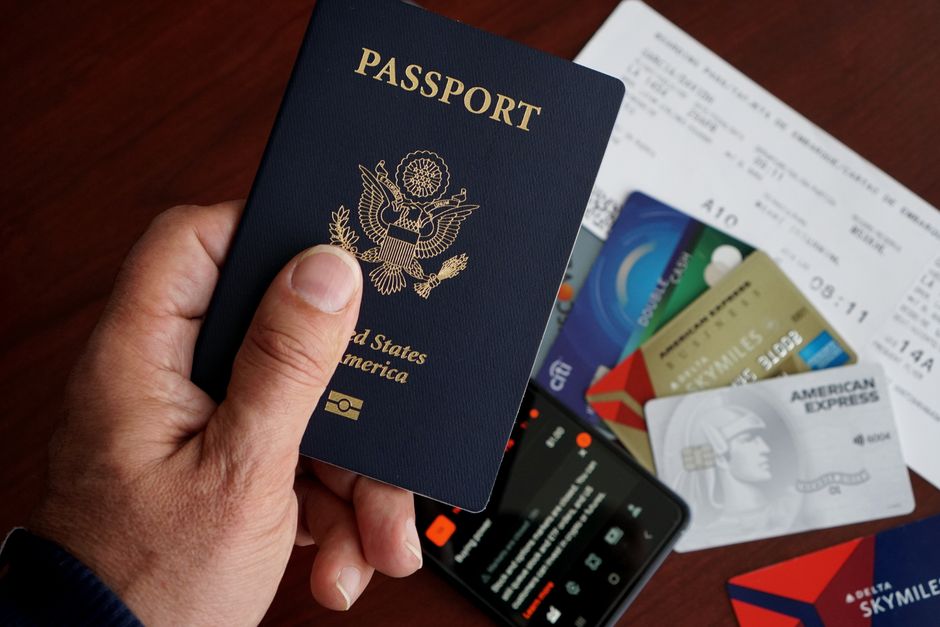
- Open the official ESTA site. Go to the government system and choose the option to check an existing application.
- Enter your details. Use your application number, or select “I do not know the application number” and enter passport data instead.
- Confirm the status. Look for “Authorization Approved” and note the expiry date.
- Save as PDF. Use your browser’s print dialog and choose “Save as PDF” for a clean digital copy.
- Print one sheet. Print the same page so you hold a paper backup with the number visible.
- Store both. Keep the PDF on your phone and the printout with your passport.
Need the walkthrough with screenshots? Our guide to checking ESTA status and validity covers the lookup in detail, including what to do if the record does not appear.
Common mistakes and myths about printing your ESTA
The biggest myth is that no printout means no travel, and it is simply false. The second is that a printed ESTA replaces a valid passport, which it never does. People also assume the approval email is required, but you can retrieve everything online. A subtler mistake is printing an old approval after renewing a passport, since a new passport usually needs a fresh ESTA.
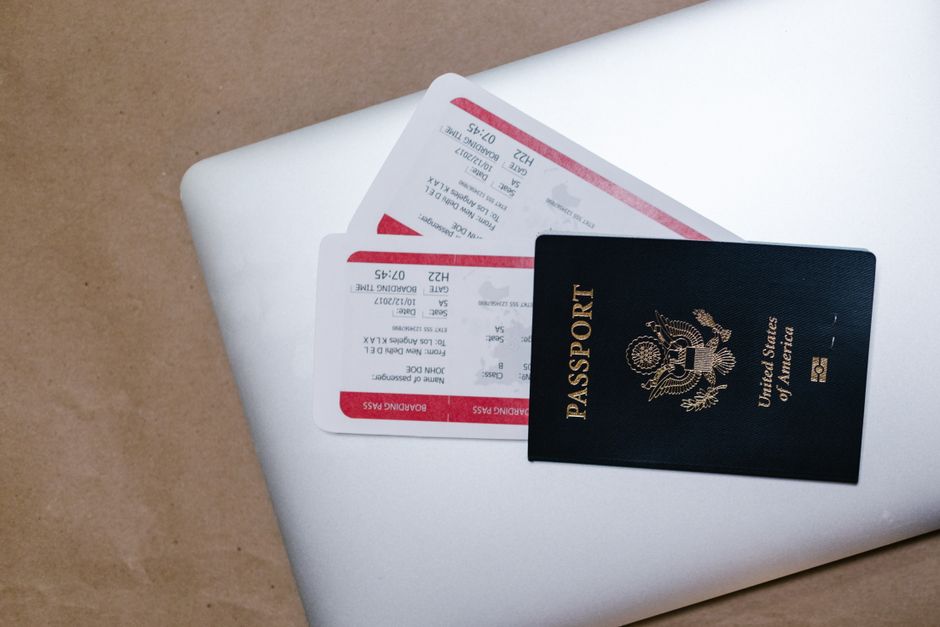
Keep the details straight. Your ESTA follows the passport it was approved against. Renew or replace that passport and the link breaks, so check whether you need to reapply — our note on ESTA validity and expiry rules explains when. And never pay a third-party site extra to “print” your ESTA; the official $40.27 fee already covers the authorization, and you can print it yourself for free.
Frequently Asked Questions
Do I need to print my ESTA approval to fly to the USA?
No. The ESTA is linked to your passport and checked electronically at check-in and on arrival. Printing is recommended as a backup, not required for boarding.
Should I print my ESTA anyway?
Yes, it is worth it. DHS suggests keeping a copy of your approval and application number. A printout helps if your phone dies or an airline agent asks to see it.
How do I print my ESTA without the email?
Check your status on the official ESTA site using your passport details, open the approved page, then use your browser to save it as a PDF and print. No email is needed.
What does the airline actually check?
The airline queries the Visa Waiver Program database using your passport at check-in. If your ESTA is approved, the boarding pass is issued. A paper copy is not part of that check.
Is a screenshot enough instead of a printout?
A screenshot works well as an offline backup and covers most situations. For full safety, keep both a screenshot and a printed copy in case one is unavailable.
Do children need a printed ESTA?
Children need their own approved ESTA, but printing is optional for them too. With family travel, printing each approval number simply speeds things up at the desk.
My ESTA does not show up online. What now?
Recheck the passport details you entered, since a single wrong digit hides the record. If it still does not appear, you may need to reapply, especially after a passport renewal.
Does printing cost anything?
No. You print it yourself for free after checking the status. The only official charge is the $40.27 ESTA fee paid during the application; ignore sites that charge to “print” it.
Bottom line: you can travel without a printout, yet a single printed copy of your approval and number is cheap protection. Check your status on the official Visa Waiver Program page, save it as a PDF, and print one sheet. That is all it takes to print your ESTA and travel with a clear head.
Last updated: 2026-09-29 — verified against Federal Register notices and current CBP ESTA guidance.